Unbox ASMR Charm Collection Tracker
Mark owned charms and watch your Unbox ASMR album completion grow.
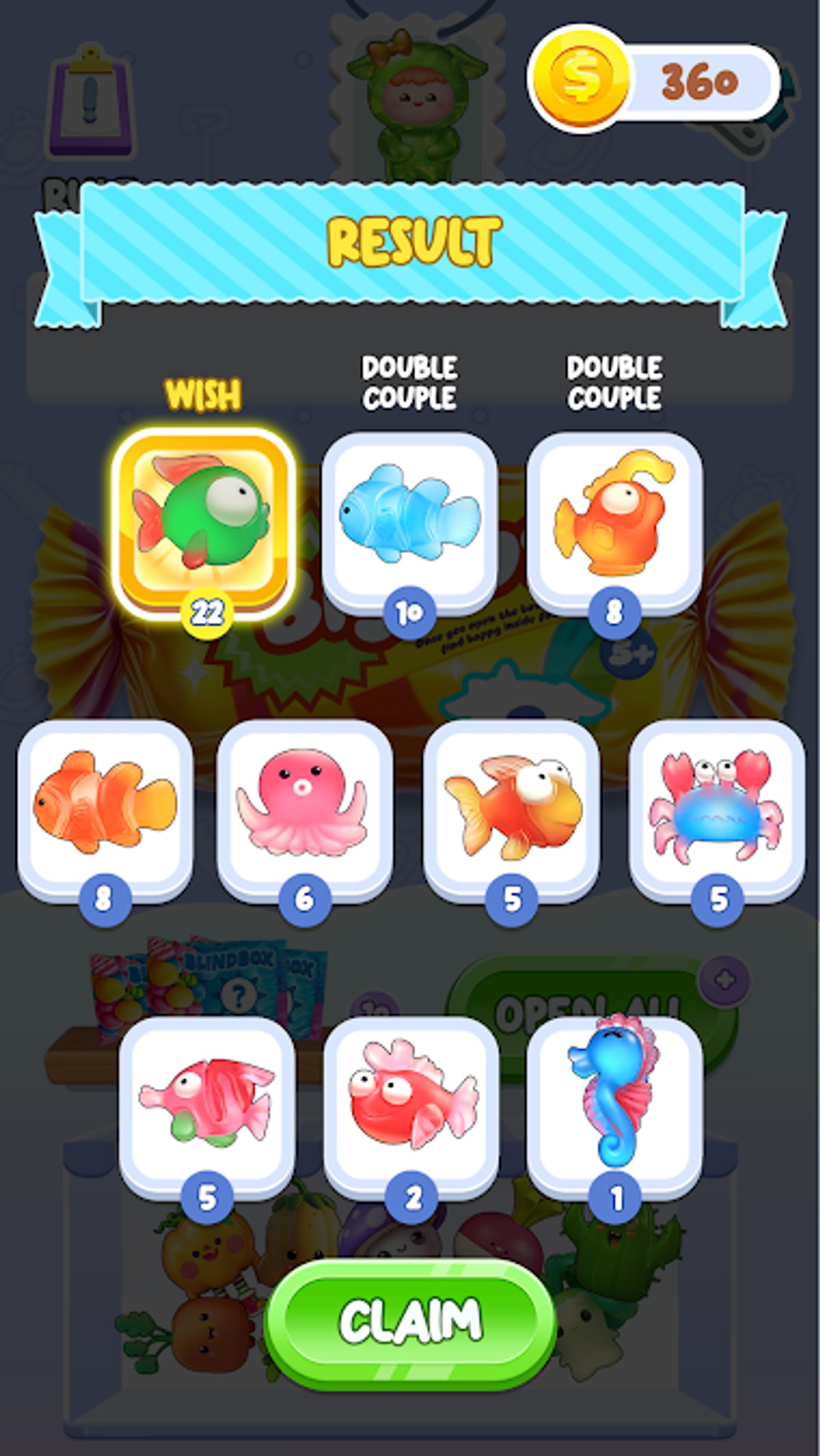
Duplicate streaks lie. Blind Bag: Unbox ASMR Game plays identical reveal fanfare for new Capybara charms and repeats you already logged three sessions ago. The collection tracker on this page exists so you never hunt a silhouette you own, never forget a missing rarest charm, and never guess completion percentage from a scrolling in-game album alone.
What the tracker does
Collection progress
Mark charms you own and see how close you are to a full set.
0 / 24 charms marked
Progress saves in your browser on this device only.
This wiki tool lets you:
- Toggle charms owned against the All Charms master list
- View completion percentage updated live as you check boxes
- Highlight missing entries so batch planning takes seconds
- Persist progress in browser storage between visits on the same device
It is fan-made, not shipped by CAT Studio inside spranky.blindbag.lucky. Treat it as a companion notebook with better math than sticky notes.
How to use it during play
Recommended loop:
- Finish a blind bag or blind box batch from How to Play.
- Compare album reveals to charm names on All Charms.
- Return here and tick newly acquired designs — not duplicates.
- Read updated percentage before starting the next batch.
- If percentage stalls, consult Get Rare Charms stop rules.
On long Complete Your Collection nights, keep the tracker tab pinned beside the game — split screen on supported Android phones works well.
Why tracker beats memory alone
| Scenario | Without tracker | With tracker |
|---|---|---|
| Week-long break | Forget missing list | Missing rows still flagged |
| Duplicate flood | Feels like progress | Percent stays honest |
| Reinstall from TapTap | Album maybe lost | Manual backup possible |
| Tier planning | Guesswork | Sort against tier list |
Google Play delisting in February 2026 makes local save fragility real — see Download and Install. Screenshot album grids weekly even if you track diligently.
Pairing with guides and tiers
Use completion percent thresholds:
- Below 40% — focus Best to Collect First celebrations, not rarity stress.
- 40–85% — accept duplicate plateau; tracker prevents false hope.
- Above 85% — cross missing rows with Rarest Charms and hunt deliberately.
Codes offer no promo shortcuts — tracker progress reflects real opens only.
Tracker limitations
Understand boundaries:
- No automatic sync with APK save files — manual toggles only.
- No drop rate simulation — RNG unchanged.
- Browser clearing wipes data — export screenshots if you clear cookies often.
- New patch charms appear when wiki updates All Charms — recheck after Updates posts.
Similar games note
Lucky Blind Bag Capybara collectors should run a separate tracker instance — item names do not overlap even though both feature Capybara luck toys from CAT Studio.
Troubleshooting
| Issue | Fix |
|---|---|
| Percent looks wrong | Ensure duplicates are not checked twice |
| Missing charm not listed | Wait for wiki roster update after patches |
| Data gone after browser update | Re-mark from latest album screenshot |
| Tracker vs album mismatch | Trust in-game album for ownership; fix tracker toggles |
After you hit 100%
Screenshot the tracker at full completion, share with friends, and switch to relaxation mode — open Blind Bags & Boxes purely for ASMR without checking boxes. You earned the silence.
The tracker turns Blind Bag: Unbox ASMR Game from opaque RNG into a visible journey. Mark honestly, update often, and let missing rows guide the next tear — not TikTok fake codes.
Weekly audit ritual
Every Sunday, reconcile tracker checks with your in-game album before starting a hunt week. One unchecked row saved you from a wasted batch; one erroneous check saved you from tilt. Pair audits with Updates scans so version bumps never surprise your roster.
Multi-device households
Families sharing one install still benefit from individual tracker profiles by using separate browsers or profiles — the tool does not natively support accounts, but workaround beats arguing over who owns the neon munch Capybara.
Teaching newcomers
When inviting friends after Download and Install, open this tracker first so they understand long-term collection goals beyond the first ASMR high. Good habits early prevent fake code searches later.
Frequently Asked Questions
Quick answers to the most common questions.
Where is the collection tracker on this page?
The interactive tracker widget loads on this tools page. Scroll to the tracker section after reading the guide above.
Does CAT Studio endorse this tracker?
No. It is a fan wiki tool independent of the Android game.
Can I use the tracker on iPhone?
Yes in mobile browsers, though the game itself is Android-focused via TapTap.
Will tracker show future charms automatically?
New designs appear when the wiki updates the all-charms list after patches.
Should I track duplicates?
Track first acquisition only. Duplicates do not affect completion percentage.