Unbox ASMR Tools
Interactive helpers for tracking your Capybara charm collection.
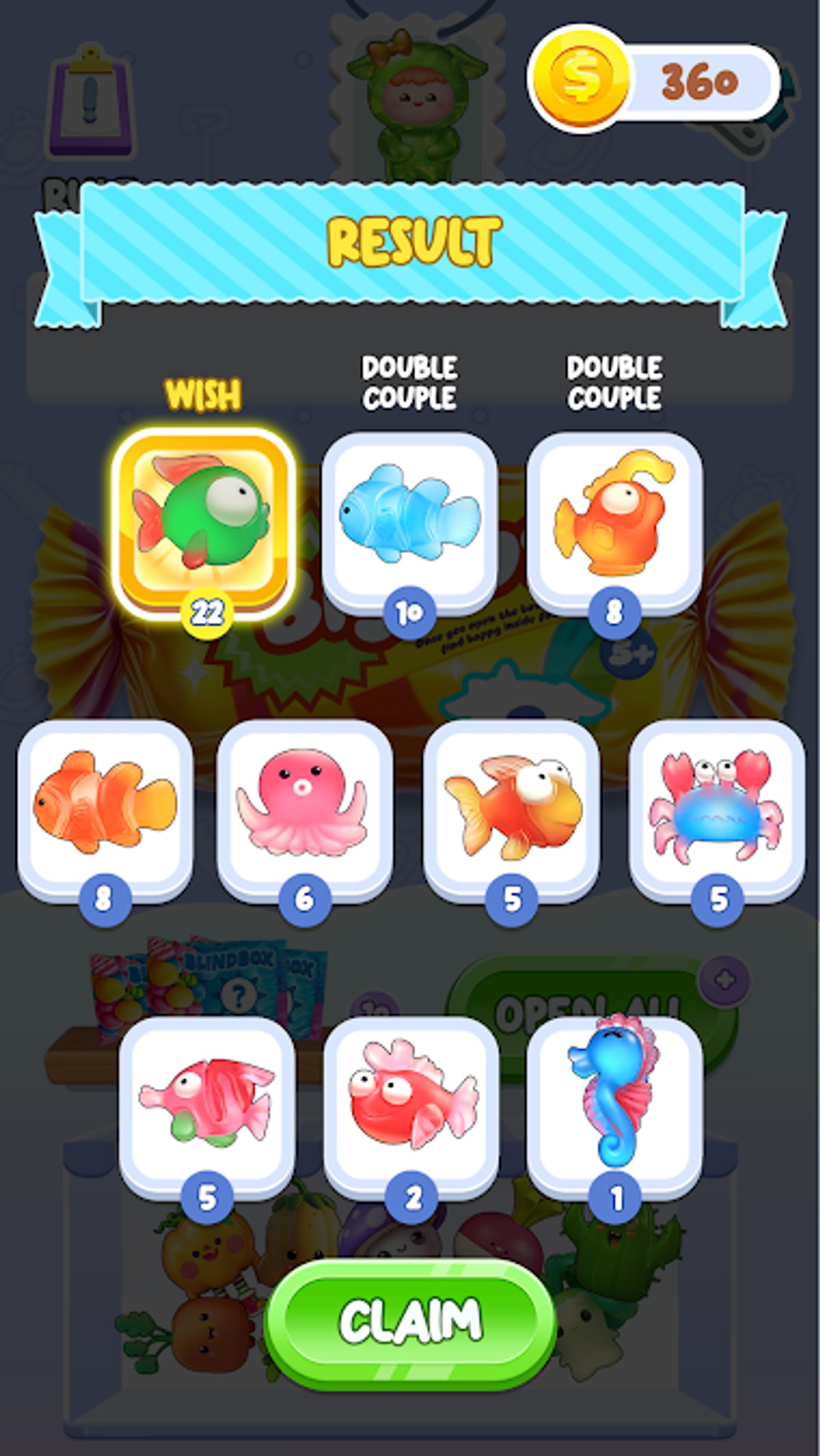
Guides explain strategy; tools remember facts while RNG blurs them. This hub lists interactive utilities built for Blind Bag: Unbox ASMR Game players who juggle dozens of Capybara charms across weeks of blind bag sessions. CAT Studio does not ship a web companion app, so the wiki fills the gap with fan-made tracking that survives Google Play delisting — as long as you export habits responsibly.
Available tools
Collection Tracker
Mark charms owned, view completion percentage, and highlight missing silhouettes against the All Charms roster. Essential when duplicates stack during Complete Your Collection grinds.
Future tools may appear here if players request batch simulators or album screenshot checklists — follow Updates for wiki feature notes.
Why tracking matters in Unbox ASMR
Luck games punish memory:
- Duplicate animations feel identical to new reveals when tired.
- Album UI scroll hides missing slots on small phones.
- Long breaks between sessions blur which rarest charms remain.
Pair tracker data with Get Rare Charms stop rules so sessions end on your terms.
Tools vs in-game album
| Feature | In-game album | Wiki tracker |
|---|---|---|
| Owned charms | Yes | Yes |
| Missing highlight | Silhouettes | Checklist + percent |
| Cross-device | Limited | Browser-based |
| Tier notes | No | Links to tier list |
Reinstalling from TapTap may reset local save data — tracker backups help.
Workflow recommendation
- Install via Download and Install.
- Learn loop on How to Play.
- Open tracker after each session.
- Prioritize hunts using Best to Collect First.
- Skim Codes — no promo shortcuts.
Similar games
Lucky Blind Bag Capybara players sometimes maintain separate spreadsheets. Do not merge item IDs — games share a developer, not a save file.
Contributing feedback
Tool UX improves when collectors report missing charms after patches. Cross-check new designs on Items hub before requesting tracker updates.
Tools turn random pulls into visible progress — use them generously, especially when ASMR sessions stretch late.
Privacy and local data
Browser-based tools store marks locally; we do not operate cloud accounts for charm sync. Clear cookies only after exporting screenshots if you care about percentage history. Read site Privacy for general analytics behavior separate from tracker toggles.
Mobile browser tips
Pin the tracker page to your home screen for app-like access during Unbox ASMR sessions. Split-screen with the game when Android allows, reducing alt-tab errors that cause missed tracker updates.
Future tool ideas
Community requests may add duplicate counters, session timers, or ad-budget logs. Vote through TapTap comments and Official Links channels; wiki volunteers prioritize utilities that complement — not replace — Complete Your Collection guidance.
Frequently Asked Questions
Quick answers to the most common questions.
Is the collection tracker official?
No. It is a fan-made wiki tool, not a CAT Studio product.
Does tracker sync with my save file?
Not automatically. You mark charms manually after each session.
Will tracker data survive reinstall?
Browser storage may clear. Screenshot or export if you reinstall often.
Are more tools planned?
Possible future additions will be announced on Updates.
Can tools increase drop rates?
No tool changes in-game RNG. They only organize collection progress.