Unbox ASMR Save Data & Backup
Protect your Capybara charm album before reinstalling, switching phones, or sideloading a new mirror.
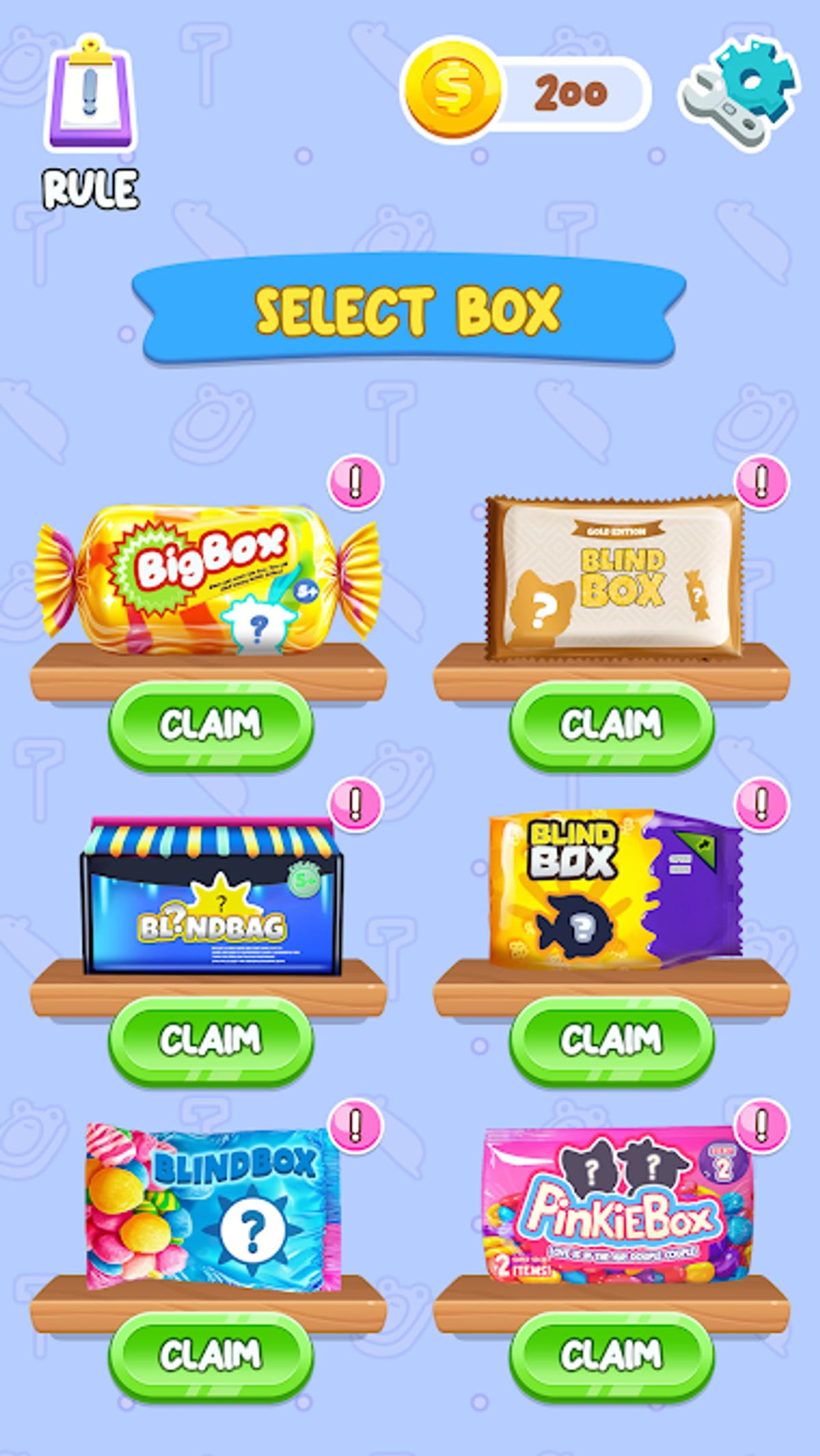
Blind Bag: Unbox ASMR Game stores charm album progress locally on your Android device. CAT Studio has not documented cloud sync, Google Play Games backup, or cross-device account transfer for package spranky.blindbag.lucky. After the February 16, 2026 Google Play delisting, many players sideload from TapTap and reinstall more often — which makes save backups essential. This guide explains what is at risk, how to protect your collection, and how to recover when progress disappears.
What Unbox ASMR actually saves
Your save file typically includes:
- Charm album completion slots and duplicate counters
- Session settings such as audio preferences
- Ad SDK state and local cache (not your collection, but tied to the install)
It does not include:
- Purchases from unrelated games
- Charms from Lucky Blind Bag Capybara (different package)
- Cloud backups unless you create them manually
Cross-check owned charms on All Charms and mark progress in the collection tracker so you have a human-readable record even if local data corrupts.
Why backups matter after delisting
Google Play automatic updates no longer refresh your install. When you:
- Reinstall from TapTap to fix audio bugs
- Switch phones after upgrading hardware
- Clear app data during Troubleshooting
- Install a wrong mirror from a look-alike APK
…local album progress can vanish without warning. Read Updates for the current v0.0.11 status before overwriting an existing install.
Method 1: Wiki collection tracker (easiest)
The collection tracker is browser-based — it survives phone resets as long as you use the same browser profile. Workflow:
- After each session, tick newly acquired charms.
- Export mental notes: which slots remain empty.
- Pair with screenshots of rare reveals from Get Rare Charms hunts.
This is not a native save restore, but it is the fastest way to rebuild knowledge if local data dies.
Method 2: Screenshot album grid
Before any reinstall:
- Open the in-game charm album.
- Screenshot every page at full brightness.
- Upload copies to cloud photo storage (Google Photos, iCloud, etc.).
Screenshots include dates in EXIF metadata — useful when disputing mirror corruption on TapTap threads linked from Official Links.
Method 3: Android local data folders
Many Android games store progress under:
/Android/data/spranky.blindbag.lucky//Android/data/spranky.blindbag.lucky/files/
On modern Android versions, direct folder access is restricted without a PC or special file manager. If your device allows backup:
- Connect to a computer via USB.
- Navigate to
Android/data/. - Copy the entire
spranky.blindbag.luckyfolder to your PC.
Restore by copying the folder back before launching the app on a fresh install. Success varies by Android version and OEM skin — treat this as best-effort, not guaranteed.
Method 4: ADB backup (advanced, no root)
Android Debug Bridge can dump app data to a PC without rooting:
- Enable Developer Options and USB debugging on your phone.
- Install ADB on your computer.
- Run:
adb backup -f unbox-asmr.ab -apk spranky.blindbag.lucky - Confirm the on-screen backup prompt on the phone.
Restore with adb restore unbox-asmr.ab on the same or a new device. Tips:
- Open Unbox ASMR once before backup so data files exist.
- Disable battery optimization for the app during backup.
- Keep multiple
.abfiles dated by version (see Updates).
Full ADB guides live on XDA forums; this wiki does not replace official Android documentation.
Method 5: Third-party backup apps
Tools like Swift Backup or Helium (where still compatible) can snapshot app data on some Android versions. Root-only tools such as Titanium Backup offer deeper access but void warranty paths most casual players avoid.
Always verify the backup app targets spranky.blindbag.lucky, not a similarly named clone from Similar Games.
Before reinstalling over TapTap
Safe upgrade checklist:
- Confirm package
spranky.blindbag.luckyon both old and new APK. - Backup using at least one method above.
- Install the new APK over the existing app (do not uninstall first if you want Android to preserve data).
- Launch and verify album counts before opening bags.
If album slots empty after an over-install, restore from ADB or folder backup. If no backup exists, rebuild using tracker + screenshots.
When progress is already lost
If album data disappeared:
- Check whether you installed Lucky Blind Bag Capybara by mistake — see Lucky vs Unbox.
- Verify version v0.0.11 in Android Settings → Apps.
- Avoid “mod APK” promises of restored saves — they are scams.
- Restart collection with Getting Started and tracker habits.
RNG will not return spent hours, but documented progress prevents duplicate frustration.
Save data and ads
Clearing ad cache sometimes wipes broader app data on low-storage phones. Before tapping “Clear storage” in Android settings, always choose Clear cache first. Full storage clears delete album progress with no undo.
Related guides
- Download and Install — clean sideload path
- Troubleshooting — when album desyncs
- APK Safety — verify mirrors before overwriting saves
- Complete Your Collection — pacing after a reset
Unbox ASMR progress lives on your phone until you protect it. Backup once, reinstall confidently, and keep the Capybara album story intact.
Frequently Asked Questions
Quick answers to the most common questions.
Does Unbox ASMR have cloud save?
No documented cloud sync exists for spranky.blindbag.lucky. Treat album progress as local-only unless you create your own backups.
Will reinstalling from TapTap delete my charms?
Installing over the same package usually preserves data. Uninstalling first or clearing storage wipes local progress.
What is the easiest backup method?
Use the collection tracker plus album screenshots. Advanced users can add ADB or Android/data folder copies.
Can I transfer saves to Lucky Blind Bag Capybara?
No. Different package, different album. Charms do not cross between CAT Studio titles.
Does Google Play Games backup work?
Not documented for Unbox ASMR after the February 2026 delisting. Do not rely on it.