Lucky Blind Bag vs Unbox ASMR
Same developer, different games — avoid installing the wrong Capybara blind bag title.
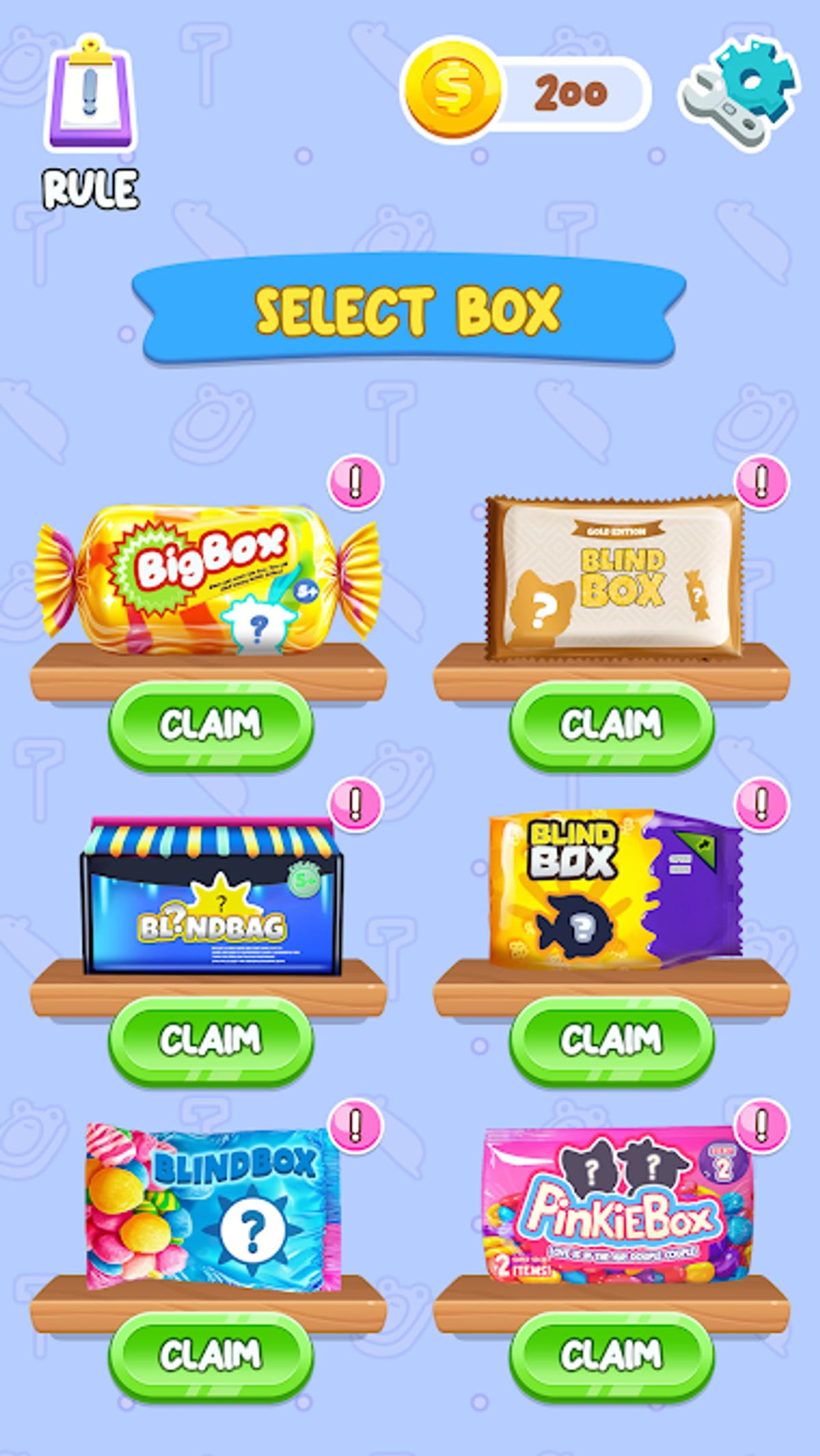
Search stores for “Capybara blind bag” and you will find multiple CAT Studio titles with similar icons. The two most confused games are Blind Bag: Unbox ASMR Game (Unbox ASMR, package spranky.blindbag.lucky) and Lucky Blind Bag Capybara, a sibling product with wish-matching mechanics and its own store listing. They share charm themes but not save data, pull tables, or update schedules. This guide helps you download the game you actually want.
Quick comparison
| Topic | Unbox ASMR | Lucky Blind Bag Capybara |
|---|---|---|
| Latest version | v0.0.11 | v0.0.12 (May 10, 2026) |
| Core loop | ASMR blind bag/box unboxing | Wish matching + blind bag pulls |
| Package | spranky.blindbag.lucky | Different package ID |
| Google Play (Feb 2026) | Removed Feb 16, 2026 | Separate listing status |
| Primary mirror | TapTap 33780798 | Own store pages |
| Album | Capybara charm collection | Separate collection rules |
| Skill factor | Pure luck | Light wish strategy |
If a friend recommends “the capybara blind bag game,” ask which loop they enjoy — relaxing tears or wish puzzles.
Unbox ASMR in one paragraph
Unbox ASMR strips gameplay to listen and collect. You pick batch sizes, open blind bags or blind boxes, experience ASMR audio, and fill a charm album driven by RNG. No combat, no chapter map, no official promo codes. After Google Play removal, Android players sideload via TapTap using steps in Download and Install. Read Review for ad frequency and relaxation value.
Lucky Blind Bag Capybara in one paragraph
Lucky Blind Bag Capybara keeps Capybara charm aesthetics but layers wish matching and alternate progression hooks. The game received its v0.0.12 update on May 10, 2026, adding new skins and gameplay optimizations. Unbox ASMR remains on v0.0.11. Community tier talk differs; tier lists on this wiki apply to Unbox ASMR only unless explicitly labeled. Installing both games is fine, but expect separate albums and duplicate charm names that do not transfer.
How players install the wrong game
Common mix-ups:
- Similar icons in TapTap search results
- YouTube ASMR blind bag videos that are physical toys, not either mobile game
- APK sites bundling outdated
spranky.blindbag.luckybuilds with unrelated titles - Confusing Unbox ASMR with generic “Blind Bag Game” clones from other developers
Always verify CAT Studio as developer and the package string before tapping install.
Which should you download?
Choose Unbox ASMR if you want:
- Headphone-friendly ASMR sessions
- Minimal menus and zero skill checks
- A wiki with collection tracker tuned to this album
Choose Lucky Blind Bag Capybara if you prefer wish mechanics and don’t mind learning a second rule set.
Choose both only if you accept maintaining two albums — our Complete Collection guide applies to Unbox ASMR alone.
Wiki scope reminder
Unbox ASMR Wiki documents Blind Bag: Unbox ASMR Game only. Lucky Blind Bag patch notes, codes, and tier chatter belong on other communities unless we explicitly add comparison context like this page.
After you confirm the right APK
- Install from TapTap following Getting Started.
- Mark charms in All Charms.
- Track completion externally via Tools.
- Watch Updates for mirror changes affecting Unbox ASMR specifically.
Related reading
- Troubleshooting if installs fail
- Google Play Removal for Unbox ASMR store status
- Official Links for trusted download buttons
Same studio, different fantasy. Pick the loop you will actually play tonight, verify the package name, and keep albums separate so RNG frustration lands on the right game.
Frequently Asked Questions
Quick answers to the most common questions.
Are Unbox ASMR and Lucky Blind Bag the same app?
No. They are separate CAT Studio titles with different packages and mechanics.
Do charms transfer between the two games?
No. Albums and save data are independent.
Which game is on TapTap listing 33780798?
That listing is Blind Bag: Unbox ASMR Game (spranky.blindbag.lucky).
Did both games leave Google Play?
Unbox ASMR was removed February 16, 2026. Lucky Blind Bag has its own listing history — verify separately.
Which game does this wiki cover?
Unbox ASMR only, with comparison notes on this page for Lucky Blind Bag Capybara.